HVAC
CRM for HVAC companies, with booking, scheduling and marketing
Our CRM for HVAC companies keeps customer records, online booking, scheduling, reminders and payments in one place, alongside a managed website, Google profile and local search. Use it on its own as an add-on, or integrate it with the tools you already run.
Set up and run for you · You choose what needs approval · Scope agreed in writing
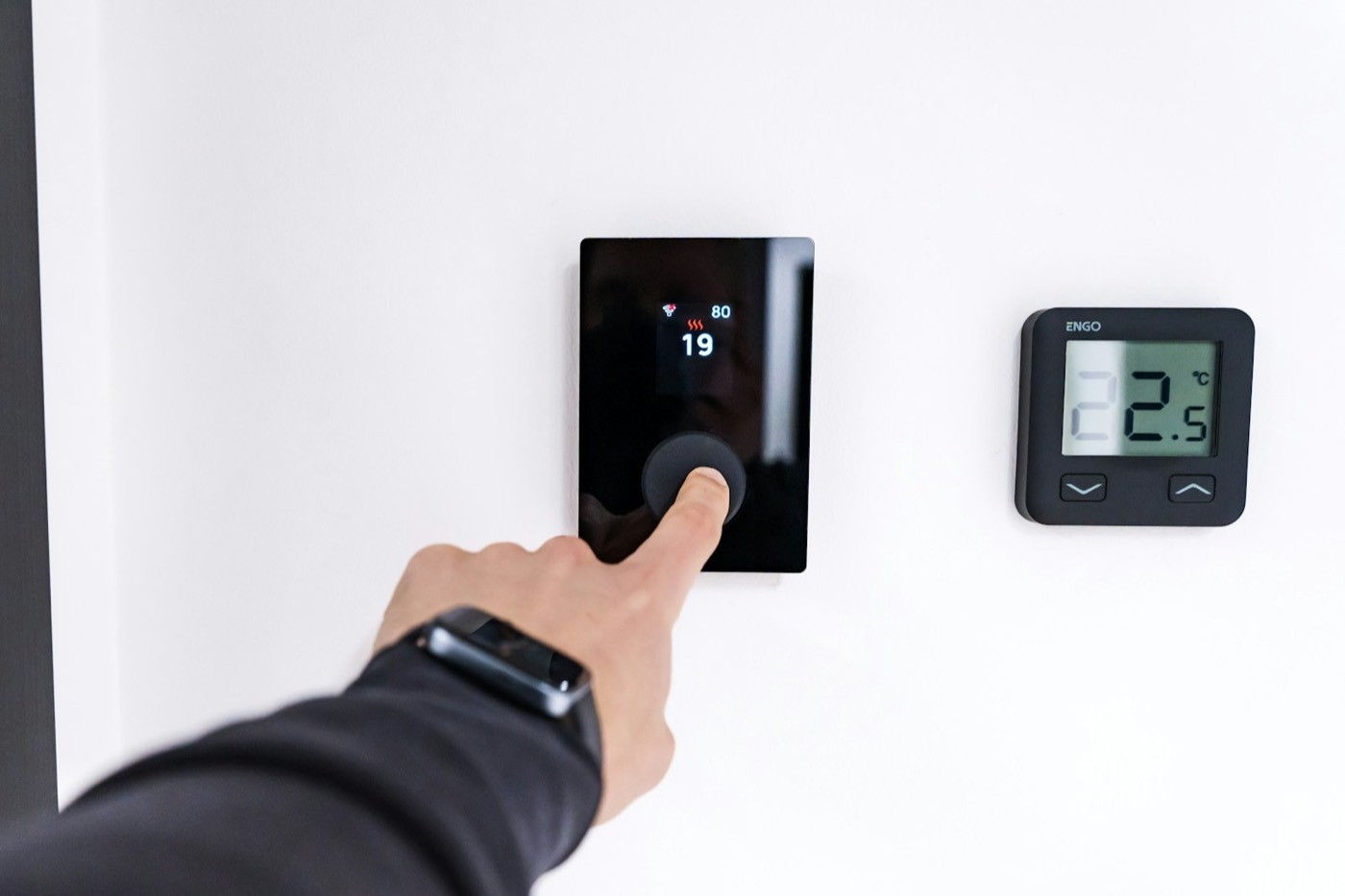
Furnace repair today, maintenance booked for spring.
Common problems
Does this sound familiar?
HVAC demand comes in waves. When the cold arrives, the gaps in your records and schedule show.
Customer history is scattered
Equipment, past visits and notes live in texts, invoices and someone’s memory.
Booking means phone tag
Customers call, leave a message and book whoever answers first.
Maintenance customers drift away
Nobody reminds them in the fall, so the next visit goes to a competitor.
The good news: each of these is fixable, and the fixes are further down this page.
CRM for HVAC, specifically
What our HVAC CRM includes
HVAC CRM software is only useful if customers can find you and book. That is why the CRM comes with managed marketing.
- Customer records with equipment, visit history and notes
- HVAC booking software: customers book from your website and Google profile
- HVAC service scheduling: one calendar for every technician
- Automatic reminders for visits and seasonal maintenance
- Deposits and payments connected to each customer
- A managed website with a page for each service
- Local SEO and an accurate Google Business Profile
- Custom integration with tools you already use, when it makes sense
Exact deliverables are confirmed in your proposal before work begins.
From a cold night to a booked visit
- 1Search when the furnace stops
- 2Book a visit online
- 3Get a reminder before the technician arrives
Optional add-on
The bookings and client records add-on
Everything above works as one system for your office and technicians. You choose which parts you use, and existing systems can stay.
Available alongside any GrowBizNest service. You choose which parts you use.
Client records
Every customer’s contact details, history and notes in one place, linked to their bookings.
Online booking
Customers book from your website and Google profile, for the services and times you choose.
Calendar and scheduling
One calendar for you and your team, with your hours, breaks and service lengths.
Reminders
Automatic reminders before each appointment, so fewer people forget or no-show.
Payments
Take deposits or full payments when customers book, connected to their record.
Already have a system?
Keep it. We talk through the tools you use now and, where it makes sense, integrate them as a custom piece of work.
Our services
Where each service fits
The CRM works best with the marketing that brings customers to it.
AI Website Builder
Service pages and online booking, kept current through each season.
Explore the serviceGoogle Business Profile Optimization
Hours, service area and a booking link on the map.
Explore the serviceSEO Services
Pages that match how homeowners nearby search for heating and cooling.
Explore the serviceAI Social Media Automation
Seasonal maintenance reminders, approved by you, then scheduled.
Explore the serviceGetting started
How we would start
Three steps, agreed in writing before any work begins.
Start with what you have
Your services, technicians, customer list and the tools you already use, so we know what to set up or integrate.
Draft, then approve
You review every page and profile change before it goes live, and choose auto-post or review first for social posts.
Keep it current
Agreed updates each month, with posts and changes scheduled after your approval.
Questions and answers
Questions about CRM for HVAC.
Straight answers about how working with GrowBizNest goes.
Still have a question?
Ask it in a short consultation and we will answer with your business in mind.
Book a consultationDo I have to replace the software I use now?
No. You can use our CRM as an add-on, keep your current system, or ask us to integrate the two. Integration is scoped as a custom piece of work after we see what you use.
Can customers book online?
Yes. Customers book from your website and Google profile, for the services and times you choose, and receive reminders before the visit.
Can we take deposits or payments?
Yes. Deposits and payments are connected to each customer’s record.
Do you work with HVAC companies in Canada as well as the US?
Yes. We work with businesses in both countries.
Will this increase our revenue?
We cannot promise revenue or rankings. We give you the tools and the marketing to make booking easier and keep customers coming back.
Ready when you are
Let’s talk about your HVAC business.
Tell us how you book, schedule and follow up today. We will suggest what to set up first.