
Home & Field Services
Home improvement marketing agency for home service businesses
As a home improvement marketing agency for trades in the US and Canada, we show what you do, where you work and how fast homeowners can reach you, on your website and on the map.
Set up and run for you · You choose what needs approval · Scope agreed in writing
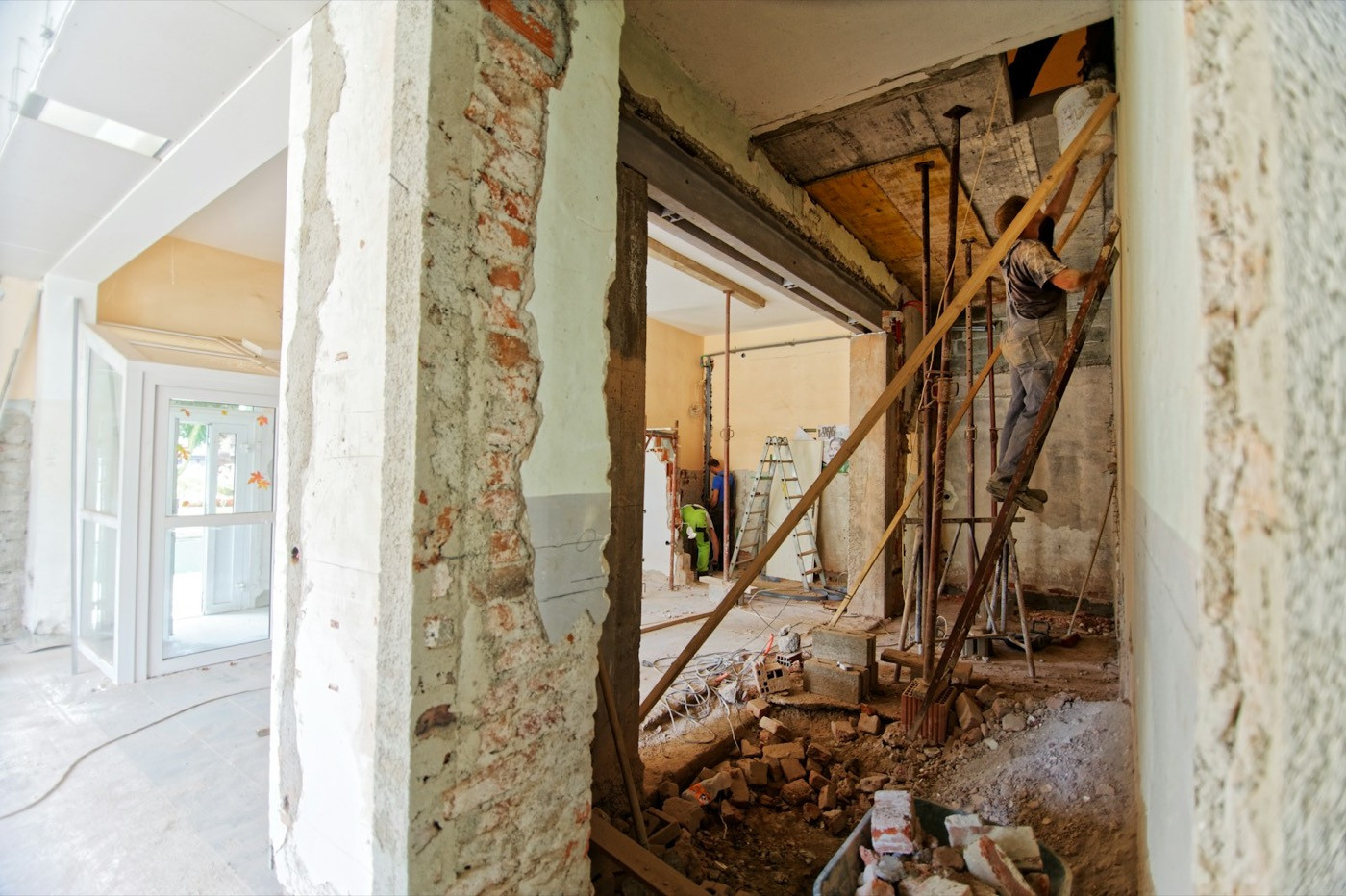
Heating, cooling and plumbing across your service area.
Common problems
Does this sound familiar?
You are on job sites all day. The website and map listing are often where a homeowner decides whether to call you or the next company.
People cannot tell if you cover them
The site says “serving the area” and nothing else, so the call goes to someone who lists their towns.
Urgent and planned work look the same
A burst pipe and a bathroom remodel land on one page with one phone number and no guidance.
The map listing is out of date
Old hours, missing services and no recent photos, while competitors post every week.
The good news: each of these is fixable, and the fixes are further down this page.
Your trade, specifically
What a useful online presence looks like for each kind of home service business
HVAC
Heating and cooling calls are seasonal and often urgent. Make repair, installation and maintenance easy to tell apart.
- 1Search when the furnace stops
- 2Check you cover their area
- 3Call or request a visit
What a useful presence includes
- Separate repair, installation and maintenance pages
- Your service area, by town
- After-hours and emergency details you offer
- Seasonal maintenance reminders in posts
Services that fit
Plumbers
Urgent and planned work come from different searches. Each should find the right page and the right way to reach you.
- 1Search with a leak or a clog
- 2See urgent help and coverage
- 3Call or book planned work
What a useful presence includes
- Urgent and planned work kept apart
- Residential and commercial services
- Coverage and response details
- Clear wording on what counts as urgent
Services that fit
Electricians
Repairs, panel upgrades and EV chargers are different jobs with different buyers. Show each one clearly.
- 1Search for an EV charger installer
- 2Read what the job involves
- 3Send project details
What a useful presence includes
- A page for each kind of job
- Licensing details you provide
- A project inquiry form that asks the right questions
- Your service area
Services that fit
Cleaning Businesses
People compare recurring, deep and move-out cleans before they ask for a quote. Explain each one.
- 1Compare types of clean
- 2Check what is included
- 3Ask for a quote
What a useful presence includes
- Recurring, deep and move-out cleans explained
- Home and office services
- A quote form that asks for size and frequency
- Areas you cover
Services that fit
Lawn Care
Mowing plans and seasonal jobs sell differently. Coverage by neighborhood matters more than anything clever.
- 1Search for lawn service nearby
- 2See plans and seasonal jobs
- 3Request a quote
What a useful presence includes
- Mowing plans and one-off jobs
- Coverage by neighborhood
- A quote form built around lot size
- Seasonal posts on schedule
Services that fit
Roofers
Roofing is a large purchase. Owners read carefully, so give them the facts and an easy way to book an inspection.
- 1Search after a storm
- 2Read repair and replacement options
- 3Book an inspection
What a useful presence includes
- Repair, replacement and inspection pages
- Materials and warranties you offer
- Photos of your own work
- An inspection request form
Services that fit
Pest Control
People search the pest by name, often in a hurry. Pages for common pests, and quick contact, do most of the work.
- 1Search the pest by name
- 2Read how treatment works
- 3Call or book a visit
What a useful presence includes
- Pages for the pests you treat
- One-time and recurring plans
- What to expect at a visit
- Licensing details you provide
Services that fit
Painters
Owners want to see finished rooms and know how you work before they invite you in for an estimate.
- 1Browse finished projects
- 2Read how you work
- 3Request an estimate
What a useful presence includes
- Interior and exterior pages
- A gallery of your own projects
- How estimates and scheduling work
- An estimate request form
Services that fit
Handymen
People are not sure whether a small job is worth a call. A clear list of what you take on answers that.
- 1Search for a small job nearby
- 2Check it is on your list
- 3Send a quick request
What a useful presence includes
- A plain list of jobs you take on
- How you price small jobs
- Your service area
- A short request form with photo upload instructions
Services that fit
Garage Door Repair
A stuck door is urgent. Make same-day help, coverage and contact obvious.
- 1Search with a stuck door
- 2See same-day help and coverage
- 3Call now
What a useful presence includes
- Repair, opener and replacement pages
- Same-day availability you offer
- Service area
- Tap-to-call on every page
Services that fit
Pool Services
Opening, closing and weekly care are seasonal. Get the timing in front of owners before the season starts.
- 1Search before the season
- 2Compare weekly care and openings
- 3Book a slot
What a useful presence includes
- Opening, closing and weekly care plans
- Repair and equipment services
- Seasonal booking windows
- Scheduled reminder posts
Services that fit
Snow Removal
Most customers decide in the fall. Contract terms, coverage and sign-up should be clear before the first storm.
- 1Search in October
- 2Read contract terms and coverage
- 3Sign up for the season
What a useful presence includes
- Seasonal contracts and per-visit options
- Coverage by street, town or postal code
- A short sign-up form
- A storm-day update page
Services that fit
Holiday Lighting Installers
A short season, booked in a few weeks. Packages, install dates and a fast quote matter most.
- 1Search in early fall
- 2See packages and install dates
- 3Request a quote
What a useful presence includes
- Residential and commercial packages
- This season’s install and takedown windows
- A quote form that asks for home type and dates
- Booking status: open, limited or full
Services that fit
Optional add-on
Bookings and client records, in one place
Most trades juggle calls, quotes and visits. The optional add-on keeps customer records, booking requests, your schedule, reminders and payments together, or we discuss integrating the system you already run.
Available alongside any GrowBizNest service. You choose which parts you use.
Client records
Every customer’s contact details, history and notes in one place, linked to their bookings.
Online booking
Customers book from your website and Google profile, for the services and times you choose.
Calendar and scheduling
One calendar for you and your team, with your hours, breaks and service lengths.
Reminders
Automatic reminders before each appointment, so fewer people forget or no-show.
Payments
Take deposits or full payments when customers book, connected to their record.
Already have a system?
Keep it. We talk through the tools you use now and, where it makes sense, integrate them as a custom piece of work.
Cold snaps, visiting family and short days bring urgent calls.
See the Festive Quick-StartYour holiday checklist
Our services
Where each service fits
Most trades start with their Google profile and clear service pages, then add search work for the jobs they want more of.
Google Business Profile Optimization
Homeowners search on the map. Hours, service area, services and photos kept accurate.
Explore the serviceAI Website Builder
A page for each service and the towns you cover, with tap-to-call and a request form.
Explore the serviceSEO Services
Pages that match how people in your area search for the jobs you want.
Explore the serviceAI Social Media Automation
Seasonal reminders and finished-job photos, approved by you, then scheduled.
Explore the serviceGetting started
How we would start
Three steps, agreed in writing before any work begins.
List your jobs and coverage
The services you want more of, the towns you serve and how customers reach you today.
Draft, then approve
You review every page and profile change. Licensing and warranty details come from you.
Keep it current
Agreed updates for seasonal services, hours and new areas, with posts scheduled after your approval.
Questions and answers
Questions from home service businesses.
Straight answers about how working with GrowBizNest goes.
Still have a question?
Ask it in a short consultation and we will answer with your business in mind.
Book a consultationI work from my truck, not a shop. Can I have a Google Business Profile?
Often yes, as a service-area business that hides its address. Google sets the eligibility rules; we review your situation and tell you plainly what applies.
Can the website take bookings or payments?
Yes, if you want it to. Our optional bookings and client records add-on handles booking requests, scheduling, reminders and payments. If you already use a scheduling or invoicing tool, keep it and we link to it, or we discuss integrating it.
Can you list every town I cover?
Yes. Clear coverage helps homeowners and search engines. We avoid thin copy-and-paste pages for each town and keep the information useful.
Do you work with trades in Canada as well as the US?
Yes. We work with businesses in both countries.
Will this bring more calls?
We cannot promise calls, jobs or rankings. We make your services, coverage and contact path clear and keep your local details accurate.
Ready when you are
Let’s talk about your business.
Tell us about your services, the area you cover and how customers reach you. We will suggest a sensible starting point.